
Structure & Assign
Break the tender into a structured response plan. Assign sections to the right people, track progress in real time, and keep the whole team moving toward submission.
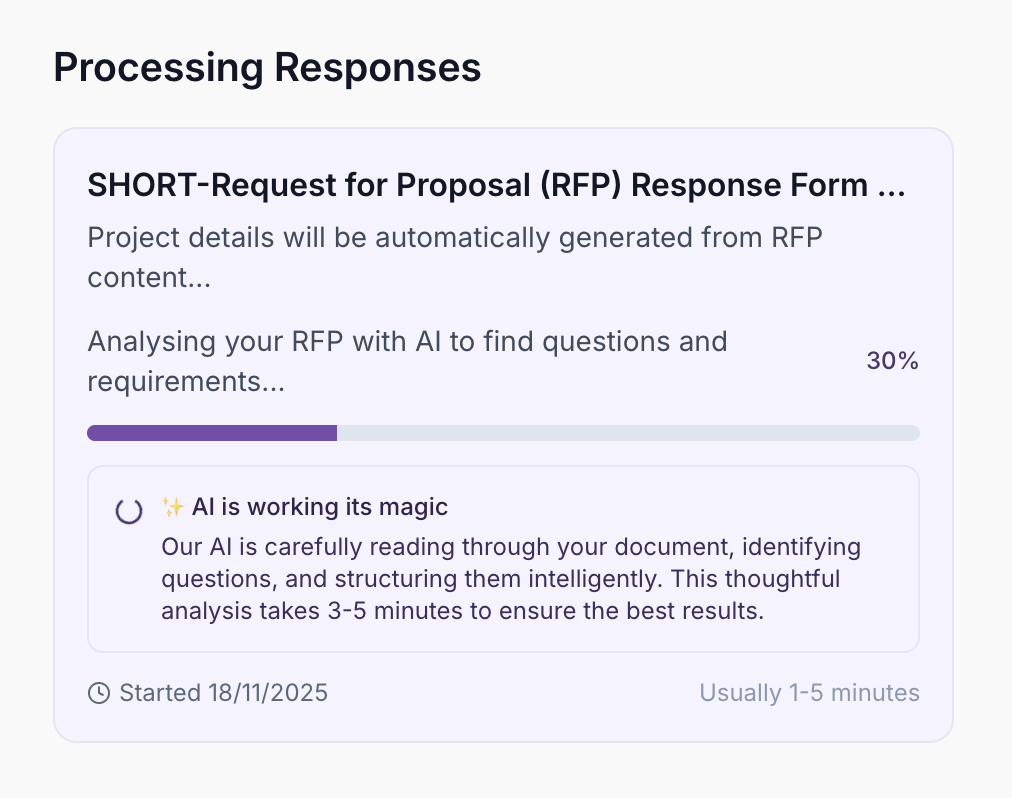
One-Click Tender Processing
Upload your tender and watch AI extract every question, deadline, and requirement automatically. Transform complex documents into manageable, structured questions in minutes.
- Instant tender upload and processing
- Automatic question extraction
- Deadline identification
- Requirement parsing
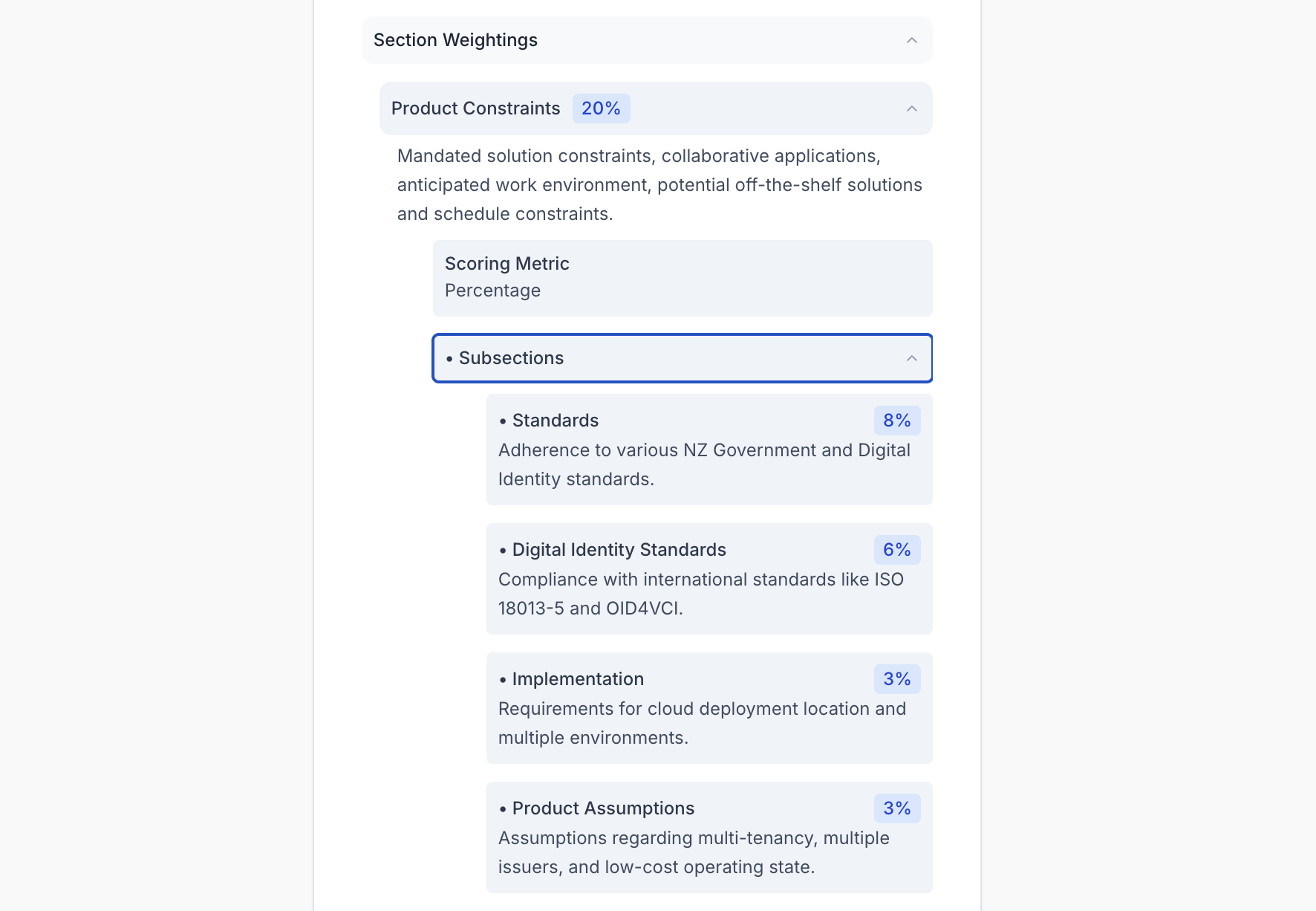
Automatic Scoring Analysis
We identify scoring criteria, point allocations, and evaluation methods from your tender documents. See at a glance which questions carry the most weight.
- Point allocation identification
- Evaluation criteria highlighting
- Priority question ranking
- Effort optimisation insights
Project Workspaces
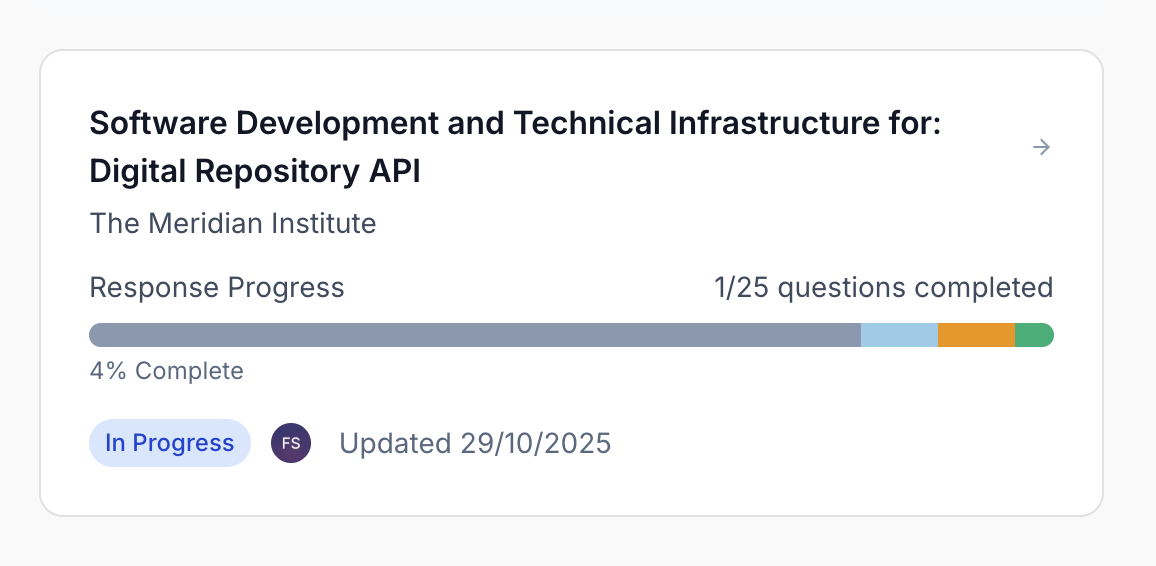
Create dedicated projects for each tender, with all questions, answers, and documents in one place. Track progress at a glance, see completion status, and manage deadlines effortlessly.
- Dedicated tender workspaces
- Progress tracking
- Deadline management
- Document centralisation
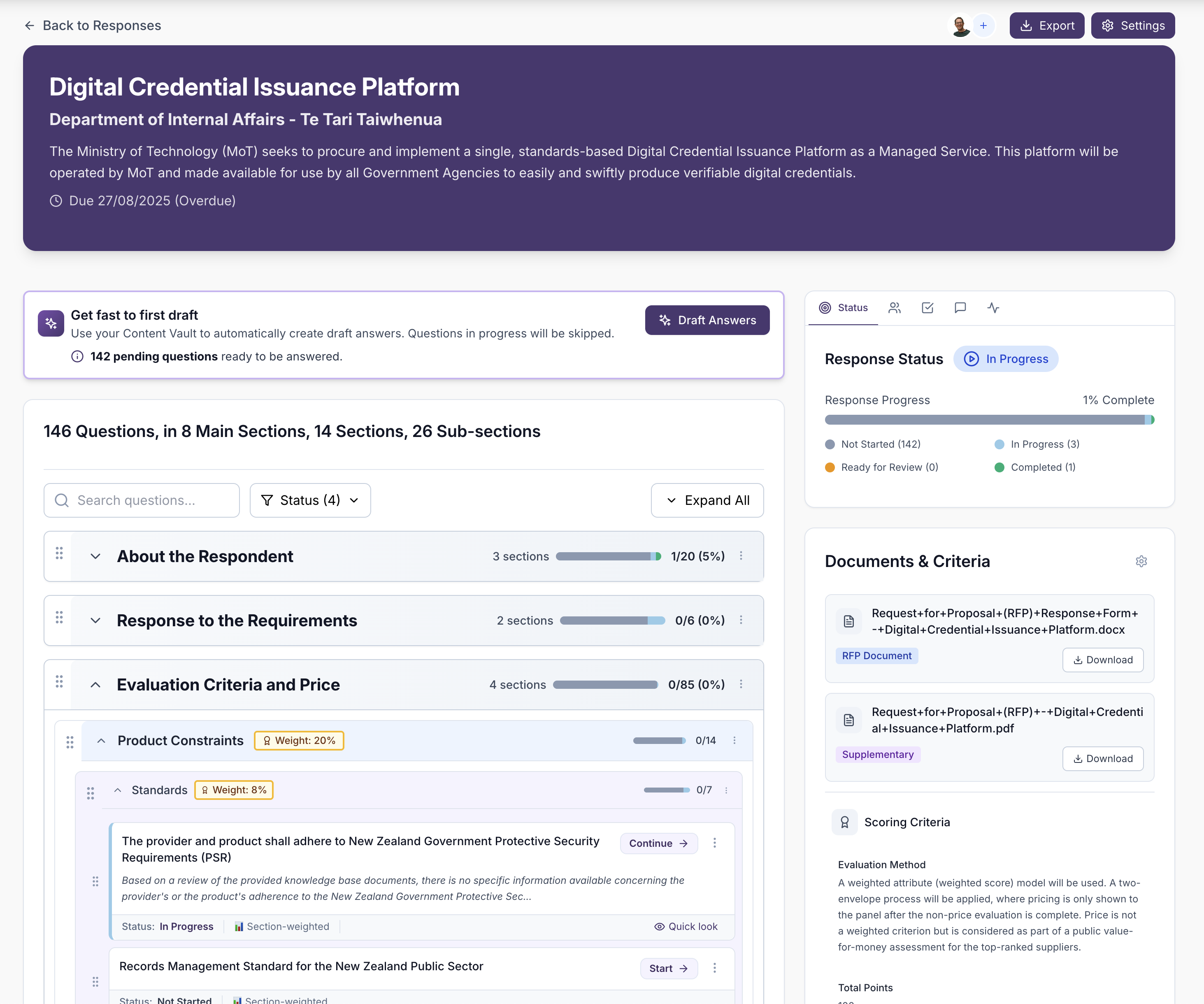
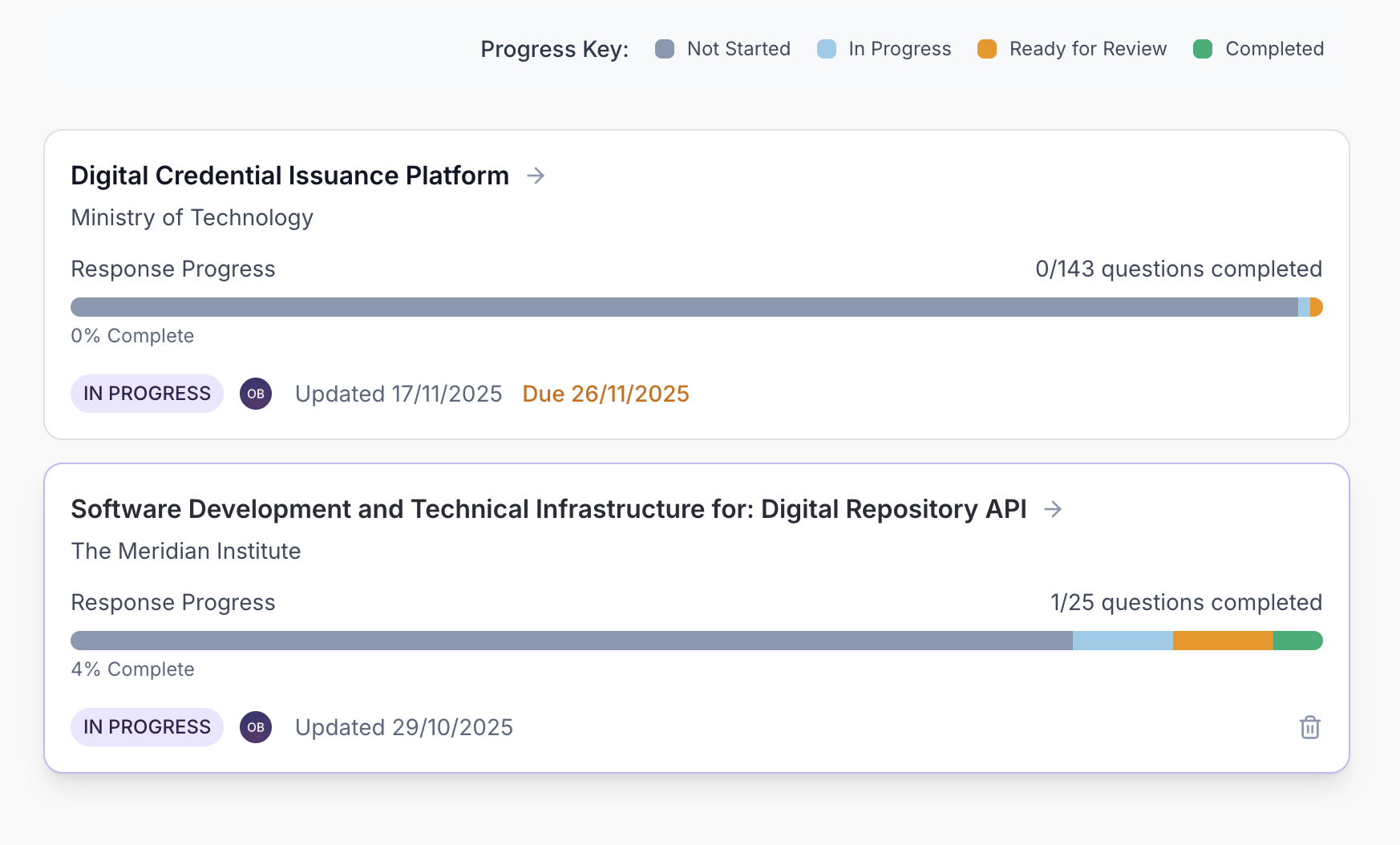
30,000ft View of Every Tender
See the complete picture at a glance. Track progress across all sections, monitor completion status, and identify bottlenecks instantly with detailed visibility into every response.
- Complete project visibility
- Progress monitoring
- Bottleneck identification
- Completion status tracking
Question Status Tracking
Mark questions as pending, draft, in review, approved, or completed. Filter and sort to focus on what matters most, whether that's high-priority questions or incomplete answers.
- Five-stage workflow
- Custom filters and sorting
- Priority flagging
- Completion tracking
Assign Projects and Questions
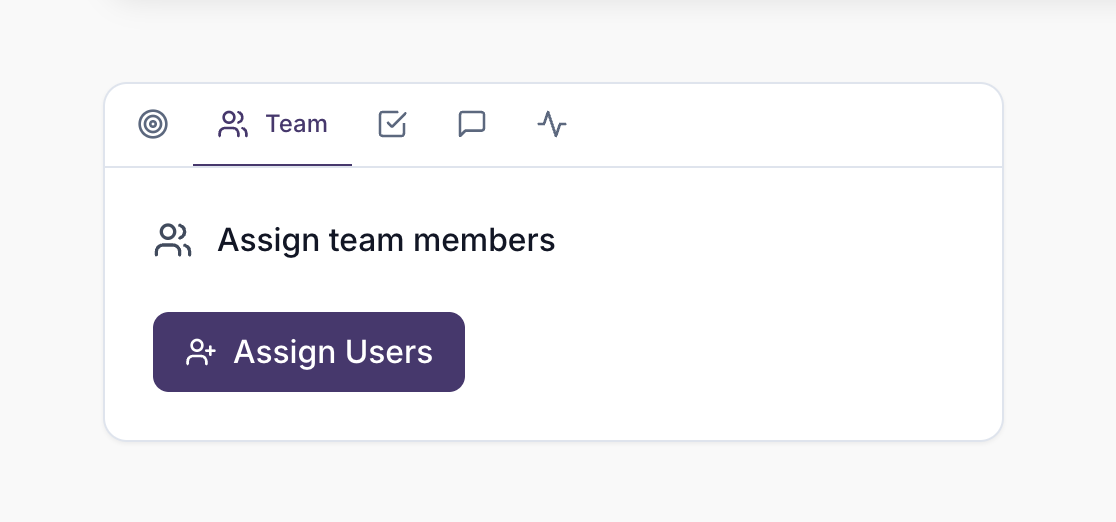
Add team members, assign roles, and track contributions. Everyone knows what they need to do and when. Assign questions to team members based on their expertise. Admins manage the vault, settings, and team; members focus on responding.
- Assign projects and questions to team members
- Clear ownership
- Admin and member roles with appropriate access
Section Table Export
Toggle any section to export as a two-column Q&A table instead of the standard outline layout — ideal for capability statements, criteria responses, or any section where a clean question-and-answer grid reads better than flowing prose.
- Export as table or Export as outline from the section menu on the project page
- Two-column Q&A layout with no header row in the Word export
- Per-section setting — mix outline and table layouts in the same response
- Plain-text answers in table cells for clean copy-paste if needed
Personalised Dashboard
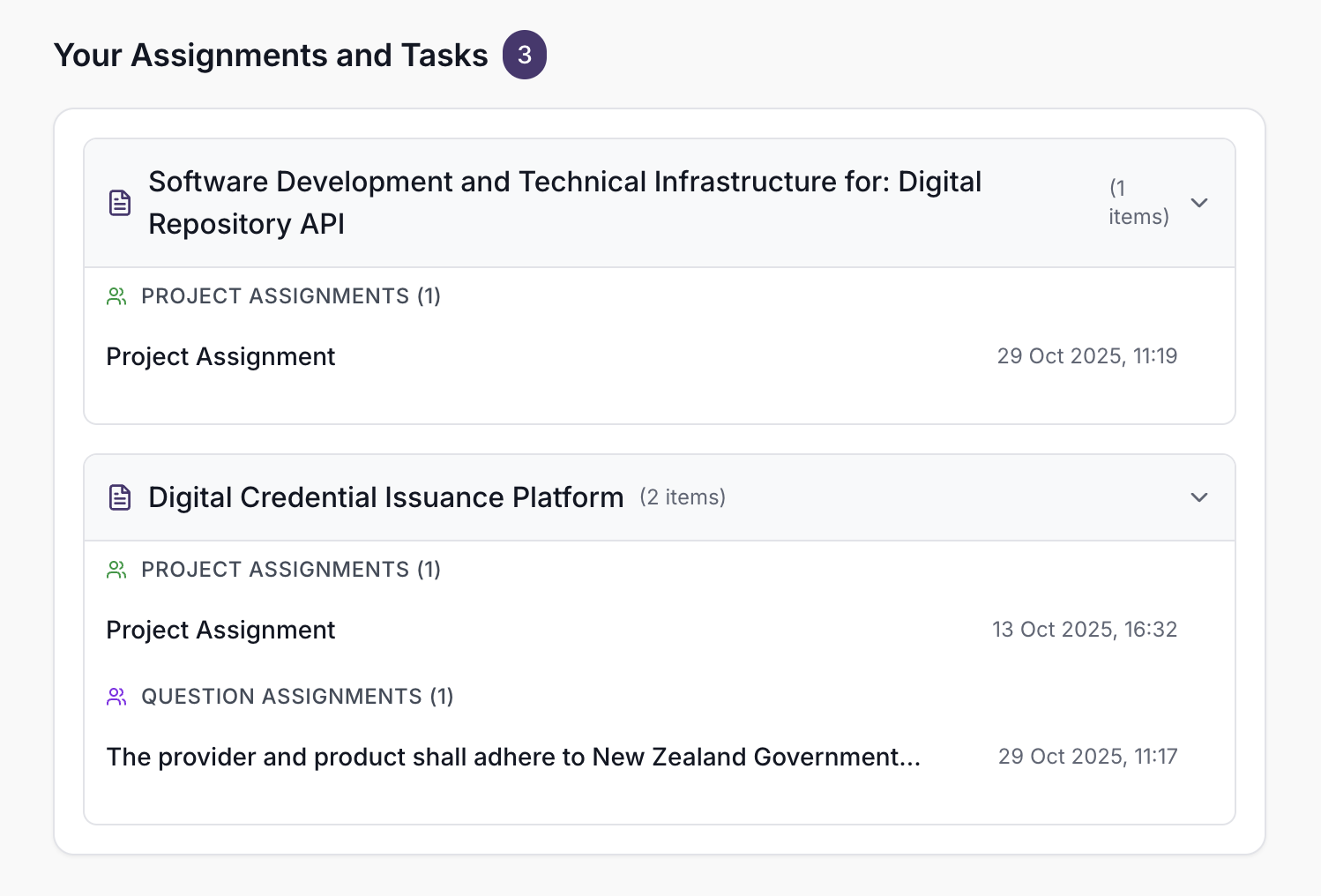
See all your assigned projects and tasks, stay on top of notifications and updates, and jump straight into your next actions. Everything you need in one place.
- All assigned projects and tasks at a glance
- Latest notifications and updates
- Quick access to next actions
- Customised view tailored to your role
Explore Other Features
Discover more ways UpliftRFP can transform your proposal process and help you win more business.