
QA Assessment
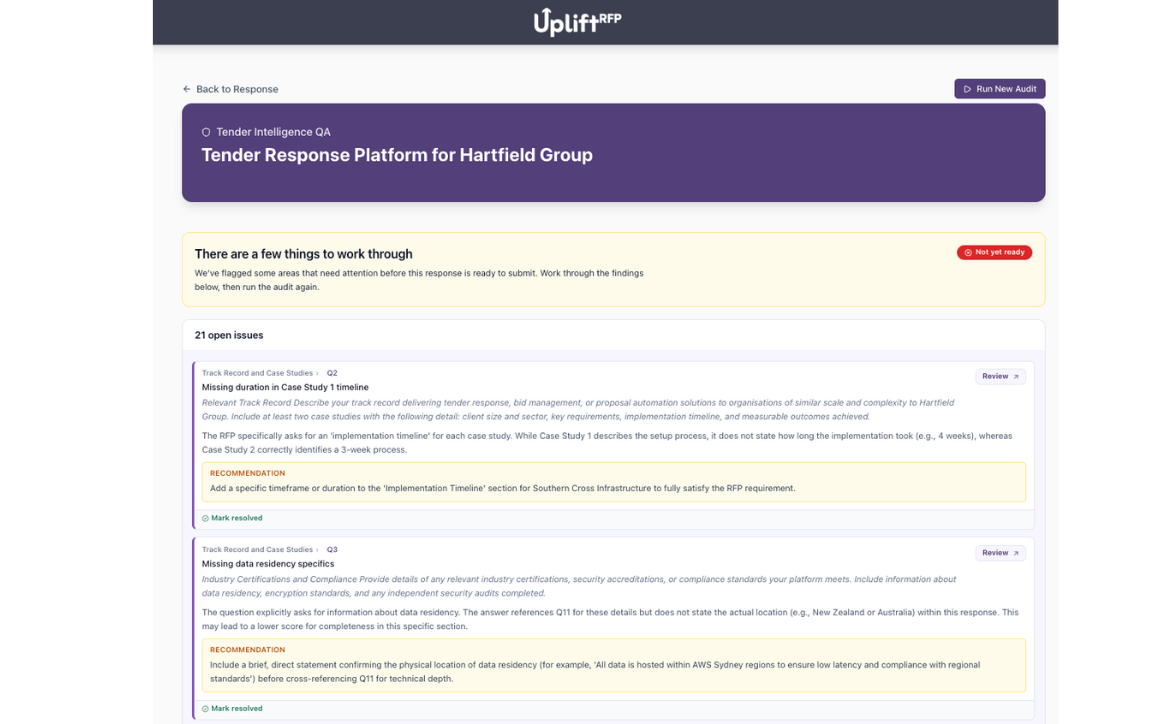
Before you submit, Tender Intelligence QA checks your whole response against the original tender — including embedded photos and diagrams. Gaps and missed requirements are surfaced, and it can fix straightforward issues itself before you do a final review.
Full Response QA
Every answer is assessed individually against the original tender: relevance, completeness, and alignment with the buyer's evaluation criteria, all in a single pass across your whole submission. Strategic issues that apply to the response as a whole are kept separate from issues tied to a single answer, so nothing gets lost among the smaller findings.
- Answer-by-answer check against tender requirements
- Relevance and completeness scoring
- Alignment with buyer evaluation criteria
- Whole-response findings kept separate from per-question issues
- Visual review of uploaded photos and embedded diagrams
- Full project-level review in one pass
Automatic Fixes
When Tender Intelligence QA finds issues, tell it to fix what it can. It works through the open issues one at a time and re-checks the response afterwards, leaving only what genuinely needs your judgement.
- One-click fix for the issues QA finds
- Automatic re-check once fixes are applied
- Anything that can't be fixed automatically stays open for review
- Full visibility of what changed before you sign off
Gap Identification
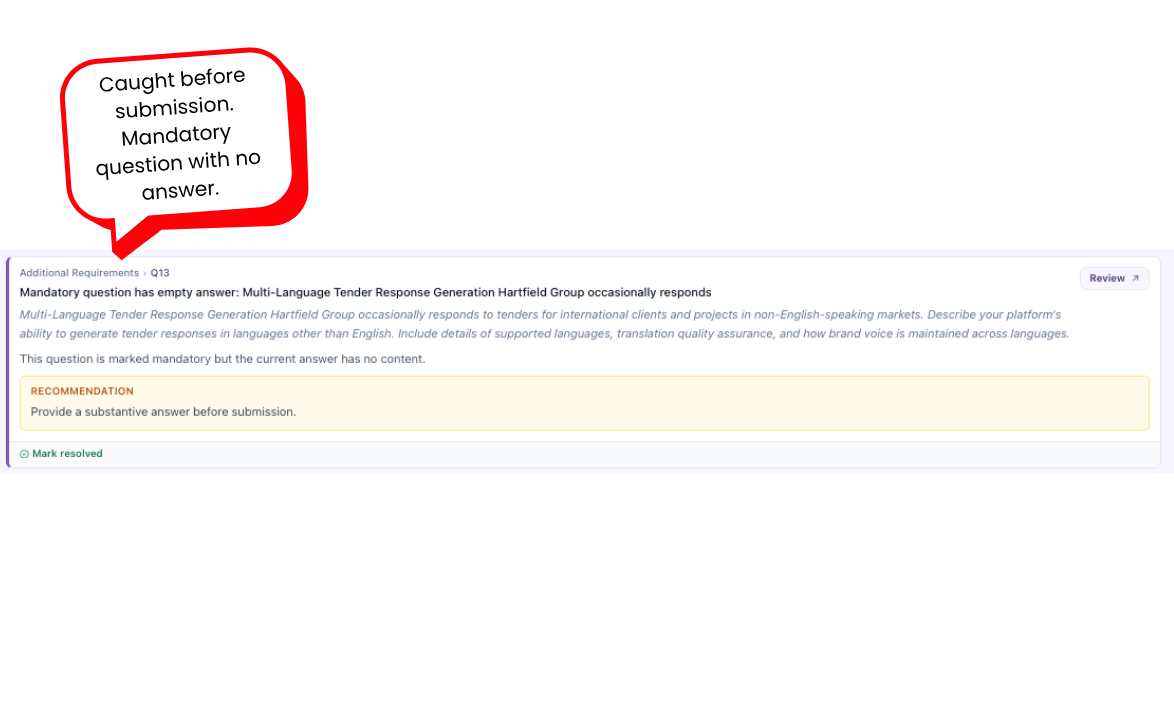
Automatically surfaces unanswered requirements, missing evaluation criteria, and sections that haven't been addressed. Nothing slips through unnoticed.
- Unanswered tender requirements flagged automatically
- Missing evaluation criteria highlighted
- Section-level gap analysis
Improvement Suggestions
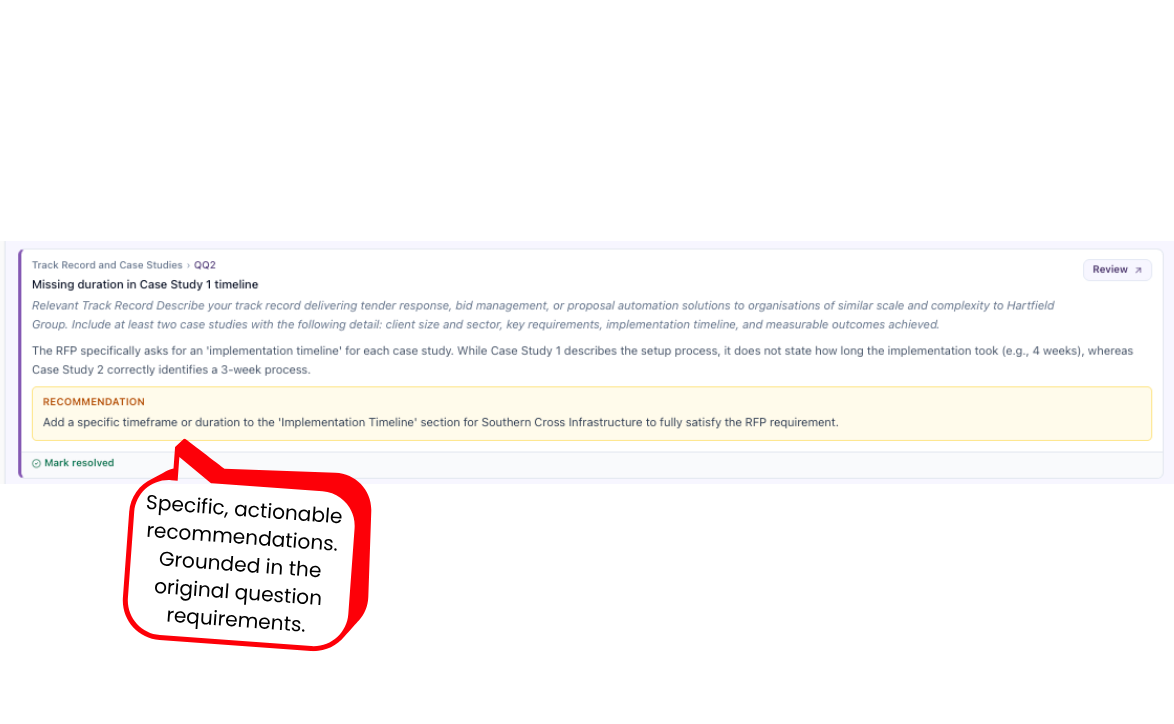
For every answer that needs work, Tender Intelligence provides specific, actionable recommendations. Not generic feedback, but targeted suggestions grounded in exactly what the question requires.
- Specific recommendations per answer
- Grounded in the original question requirements
- Direct references back to the original tender
Export to Word
When QA is done, export everything to Word in one click — a submission-ready document with your organisation's branded cover page, running headers and footers, page numbers, embedded images, and rendered diagrams. Set default branding workspace-wide, then override the cover per tender with a client logo or project photo when needed.
- One-click Word export from the project page
- Branded cover page with organisation logo, project title, client, and deadline
- Default brand colours, fonts, and cover image under Brand & styling
- Per-project client logo and cover image overrides in Project settings
- Running headers, footers, and page numbers styled to your brand
- Embedded photos and diagrams export from the answer editor
- Optional two-column Q&A table layout per section
Explore Other Features
Discover more ways UpliftRFP can transform your proposal process and help you win more business.